Custom Hiring Pipelines that show where every candidate stands

Custom hiring pipelines in BlueBase ATS give each role a structured workflow, while recruitment analytics and candidate tracking help your team see progress and spot delays. As a result, you can move applicants through clear stages instead of juggling updates across spreadsheets and inboxes.
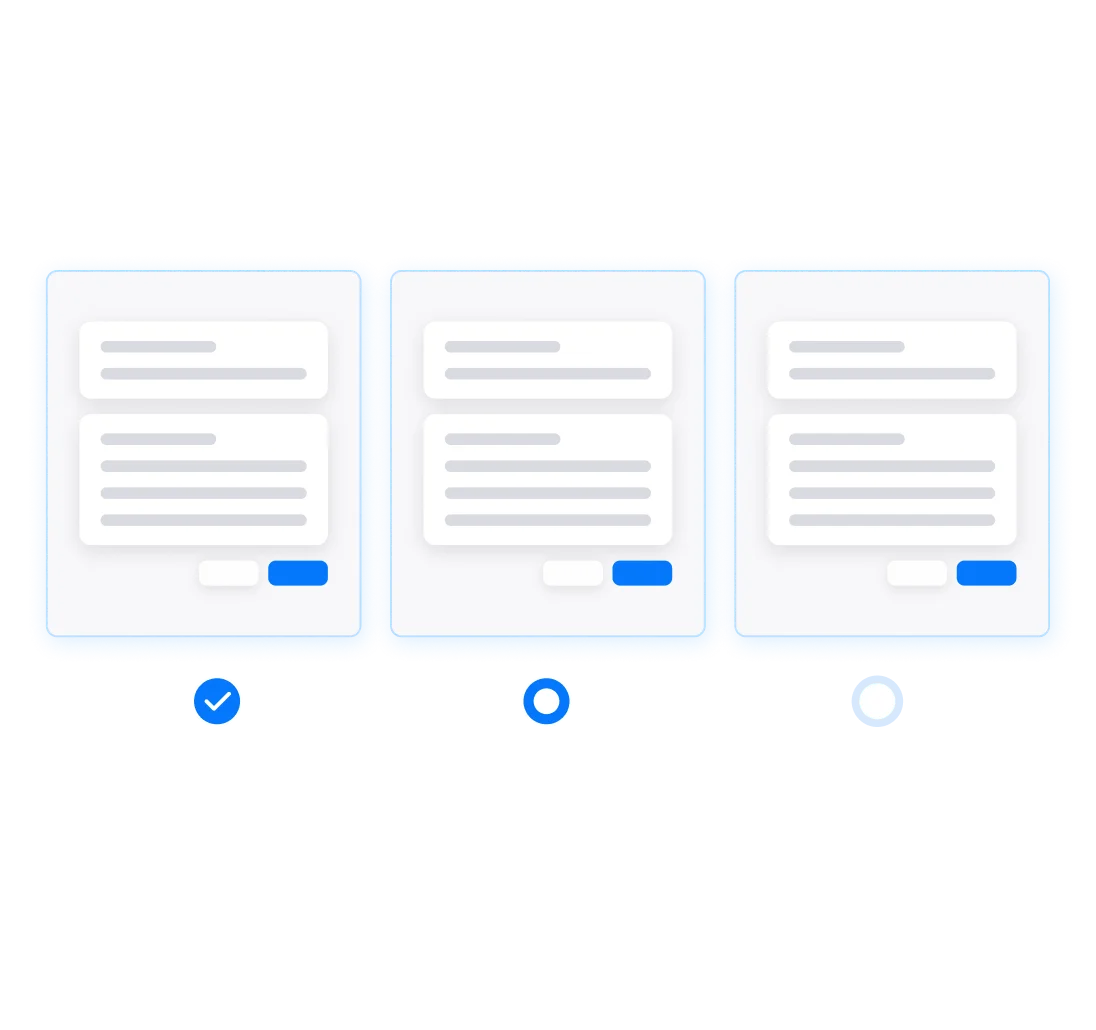

Custom hiring pipelines for every role

When hiring updates are spread across different tools, it can be hard to tell who is waiting for an interview or which vacancy needs attention. A shared pipeline shows where each applicant stands, so your team can act on the next step with confidence.

Follow each candidate from Applied to Hired

Use a clear sequence of stages, then tailor it to suit the role:

Applied

Applicants enter the workflow for the position.

Screening

Review candidates and use AI resume screening and match scores to help prioritise.

Interview

Move shortlisted applicants into interviews.

Offered

Track candidates who have received an offer.

Hired

Convert a successful candidate’s details into an employee profile in BlueBase HRIS, if you use HRIS.

Because stages are customisable, each role can follow a process that fits your team.

What your hiring workflow can dot

Adaptable stages

Use steps such as Applied, Screening, Interview, Offered and Hired—or adjust them to your process.

Consistent workflows

Give each role a clear, agreed hiring process.

Less routine administration

Automate repetitive pipeline tasks so your team can focus on applicants.

Clearer oversight

Use recruitment analytics to monitor hiring activity and performance.

A smoother HR handoff

Transfer hired candidates into employee profiles without re-entering their details.

Keep recruitment moving

Different roles need different processes

Set up a workflow that reflects the needs of each position, while keeping progress visible to the team.

An owner asks how hiring is going

An owner asks how hiring is going

A vacancy seems stuck

See which stage applicants are waiting in and identify where follow-up may be needed.

One view of every hire

For business owners

For recruiters and HR teams

Connect your recruitment workflow

Custom hiring pipelines work alongside other BlueBase ATS tools to support the process from opening a role through to onboarding.

Job and requisition management → create roles, manage approvals and publish openings.

Candidate management → search, filter and manage applicant details.

Explore BlueBase HRIS → continue the employee journey after hiring.

FAQ

Frequently Asked Questions

How the modules work, who BlueBase is for, and how to choose the right place to begin.

Can we customise our hiring stages?

Yes. Adjust your pipeline to suit your process. Common stages include Applied, Screening, Interview, Offered and Hired.

Yes. Set up a structured process for each role based on how your team hires.

They help you monitor hiring performance and pipeline activity, so you can see progress and identify delays.

If you use BlueBase HRIS, you can convert the candidate’s details into an employee profile.

See your hiring process in one pipelinection

See how custom hiring pipelines can bring clearer stages and better visibility to your recruitment process.